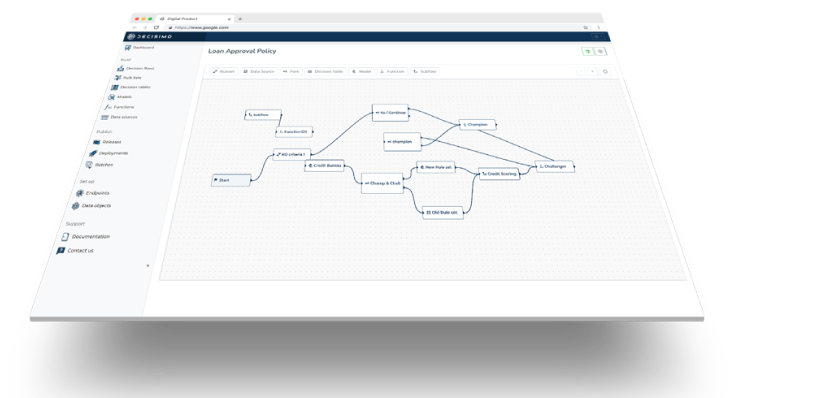
How to integrate Maxmind minFraud Factors into a decision engine
Published on: 2024-08-10 18:48:28
Maxmind is one of the leading providers of IP address intelligence and risk scoring for IP abuse. Its minFraud Factors product, especially the IP risk and overall risk score, ranks highly in the market because it combines a large network of connected merchants with a feedback API. The service pricing is also more competitive than similar options on the market.
Sign up for a Maxmind account and get API key
 To get an API key, you need to complete the account registration form with Maxmind.
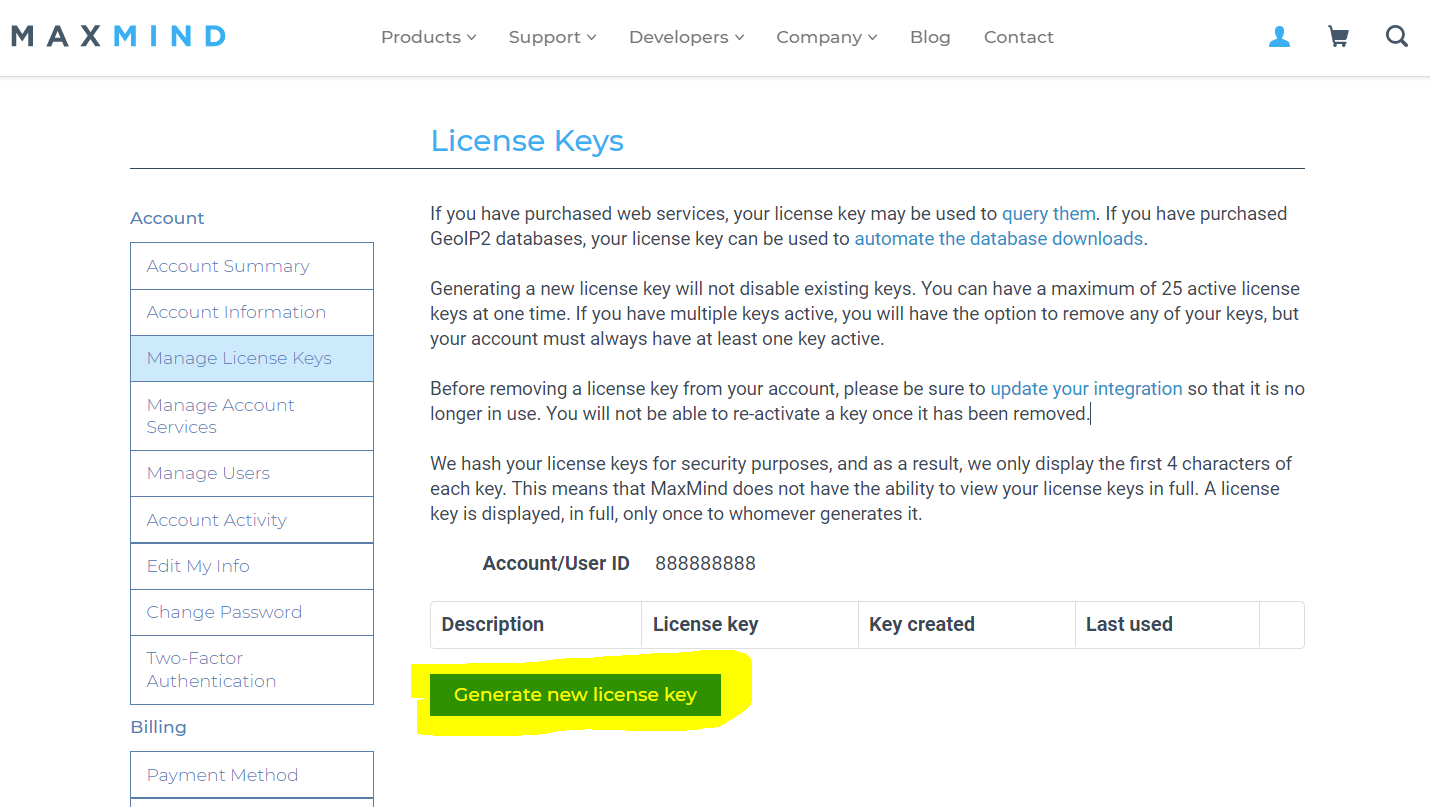
https://www.maxmind.com/en/request-service-trial?service_minfraud=1- Once your account is ready, go to Manage License Keys in Maxmind account management.
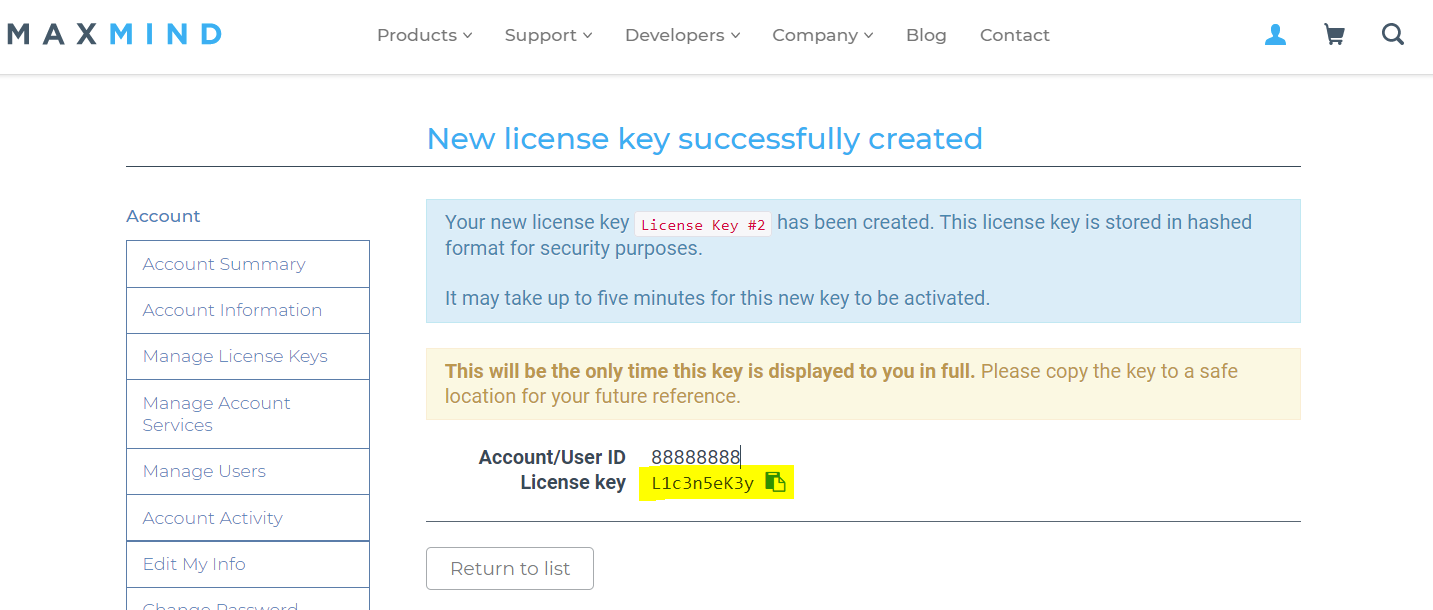
There, generate a new license key and copy both the key and the account number. Maxmind requires both for API request authentication.
Create a data source in Decisimo Portal
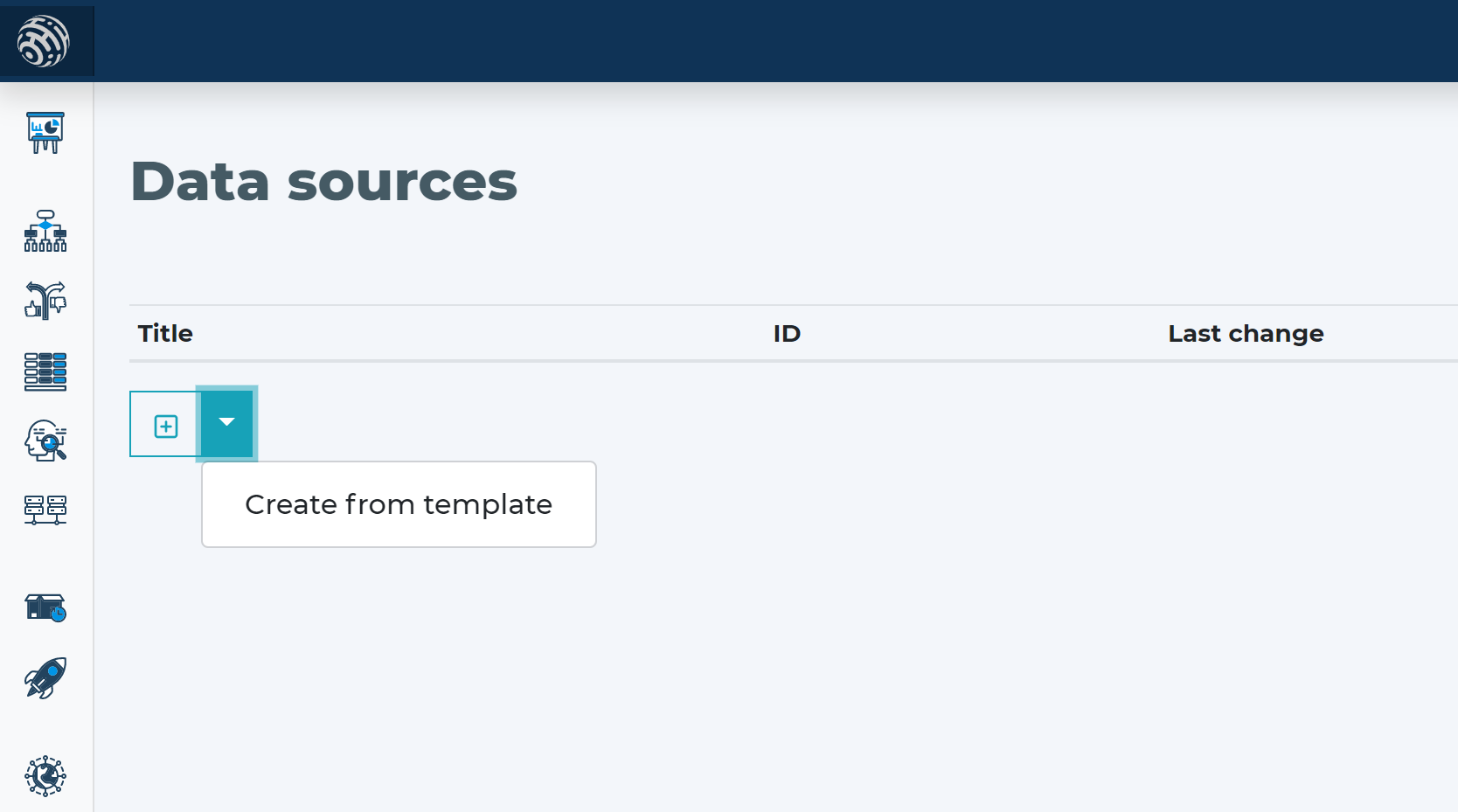
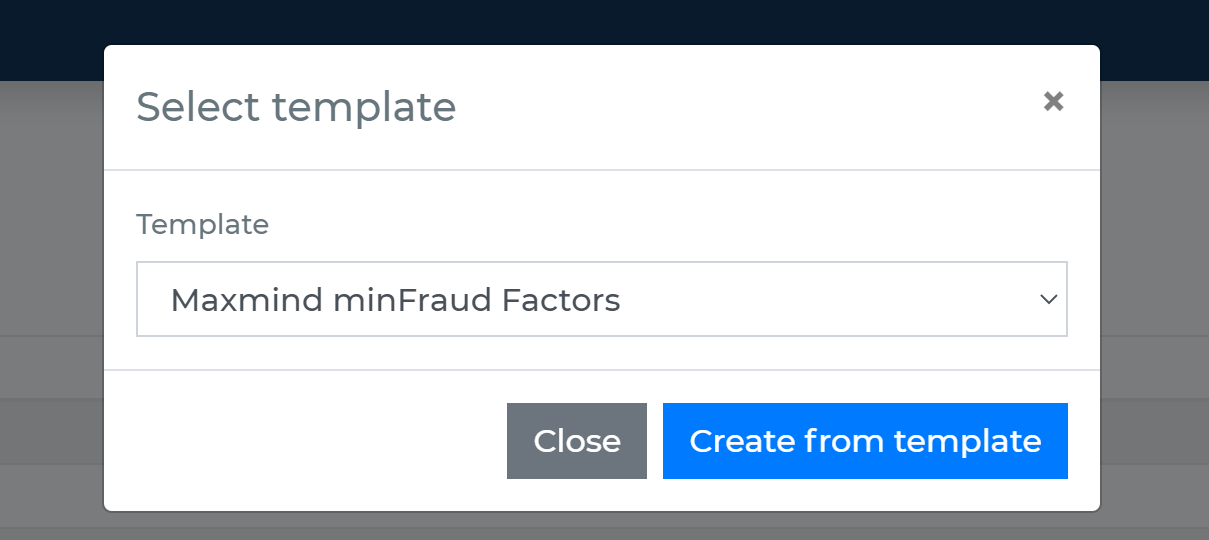
- Go to Data sources, click new, and create one from template.
- In the data source definition, switch HTTP Authentication to “YES” and enter the authentication details. In “Authentication Username,” paste the account number from Maxmind. In HTTP Password, paste the API key.
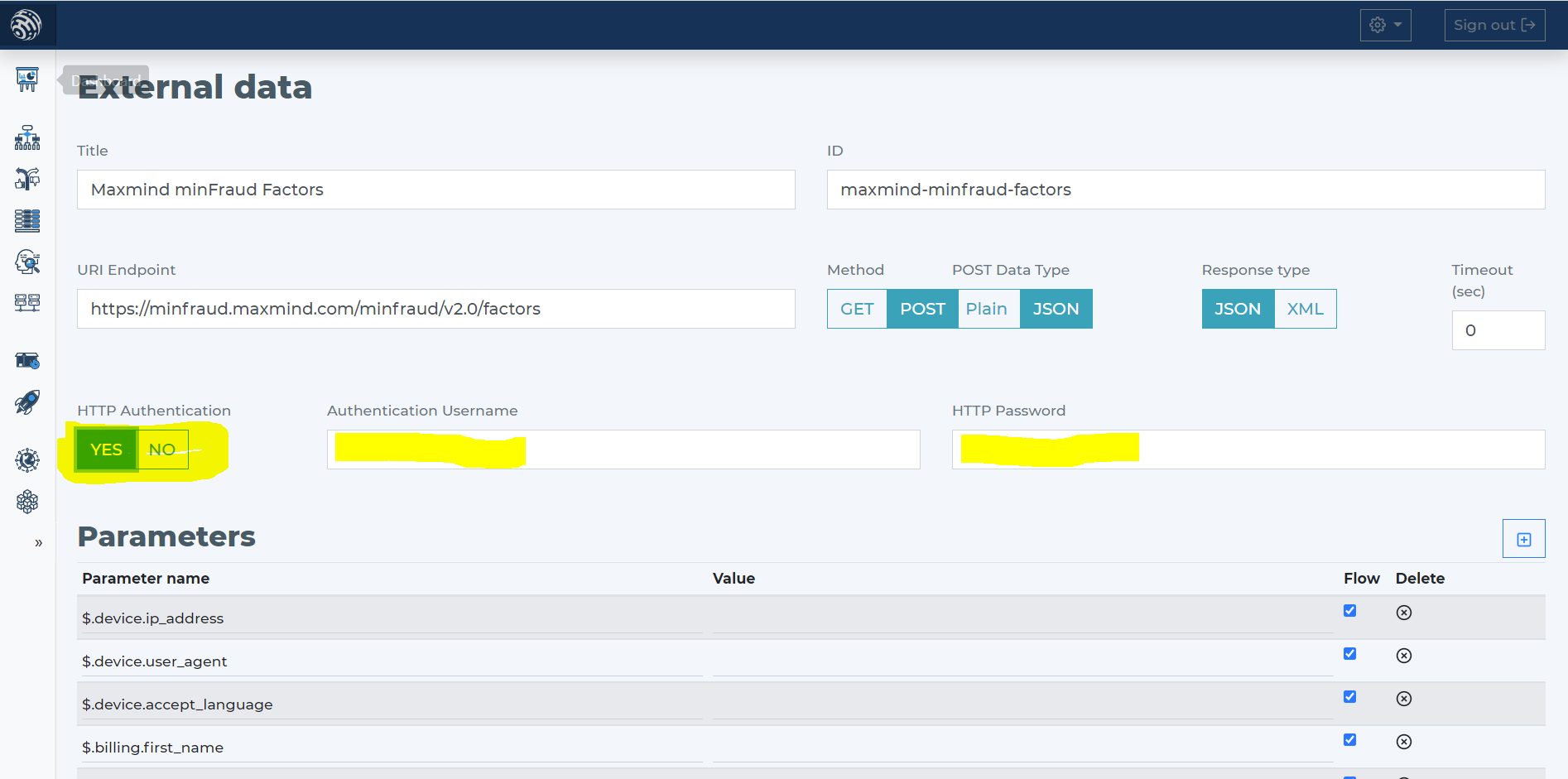
- When you use the Maxmind minFraud Factors data source template, it includes these parameters.
Add Maxmind minFraud Factors data source to your decision flow
- If you already have a decision step for data sources, add the call to Maxmind minFraud Factors in the same step. The decision engine calls all sources in that step in parallel. That keeps execution time low.
- If you do not have a decision flow step for external data, add one. Connect the step in your decision flow and open the definition window by double-clicking it.
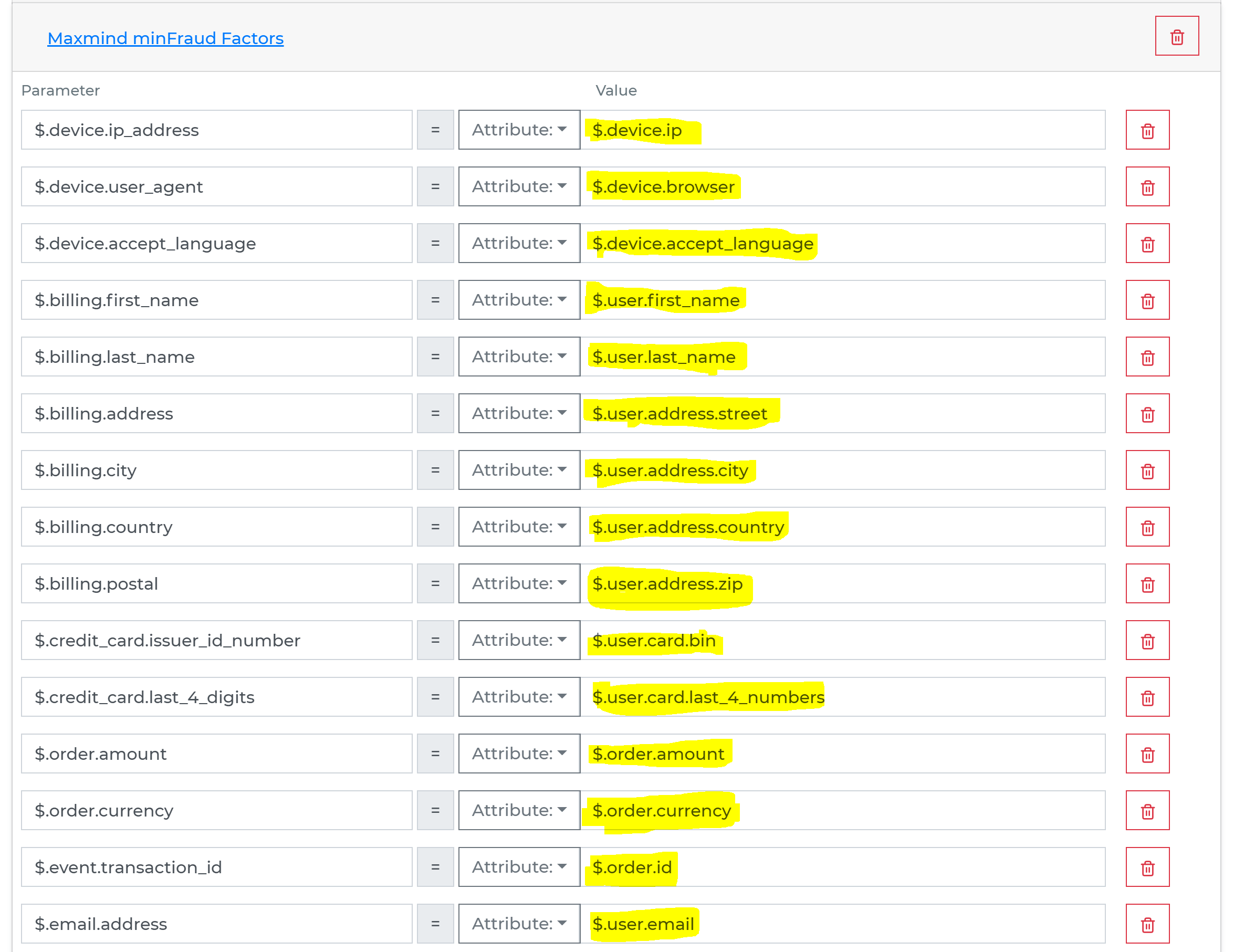
- In the decision flow step, define which attributes from your data object will be sent to Maxmind minFraud Factors.
-
Run the decision making
- Release your decision flow, deploy it to an endpoint, and make decisions using data from Maxmind minFraud Factors.