Working with Basic Rules
Published on: 2024-08-10 18:48:28
Each rule takes the form of an IF-THEN statement or a collection of IF-THEN statements.
IF statements are called conditions, and THEN statements are called actions.
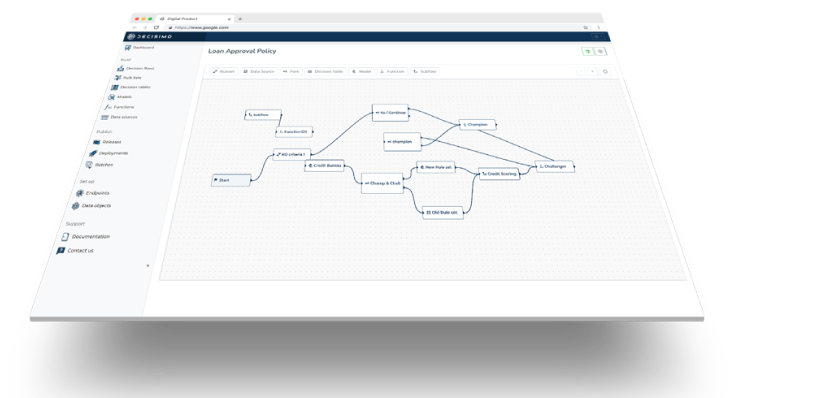
Rules sit inside a rule set, and each rule runs in sequence based on the order in which it was added.
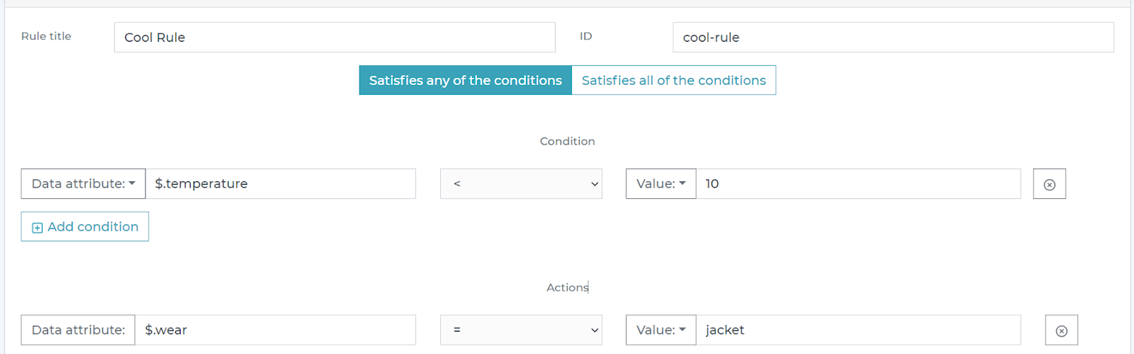
There are two types of condition execution: any or all. “Any” means that if any condition is met, the action runs. “All” means that if all conditions are met, the action runs.

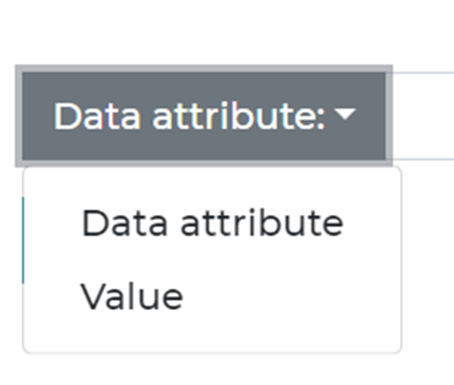
When building conditions, both the left and right sides can use either a data attribute or a specific value directly. This means you can compare two attributes, or compare one attribute to an exact value.
A rule definition may look like this in the end:
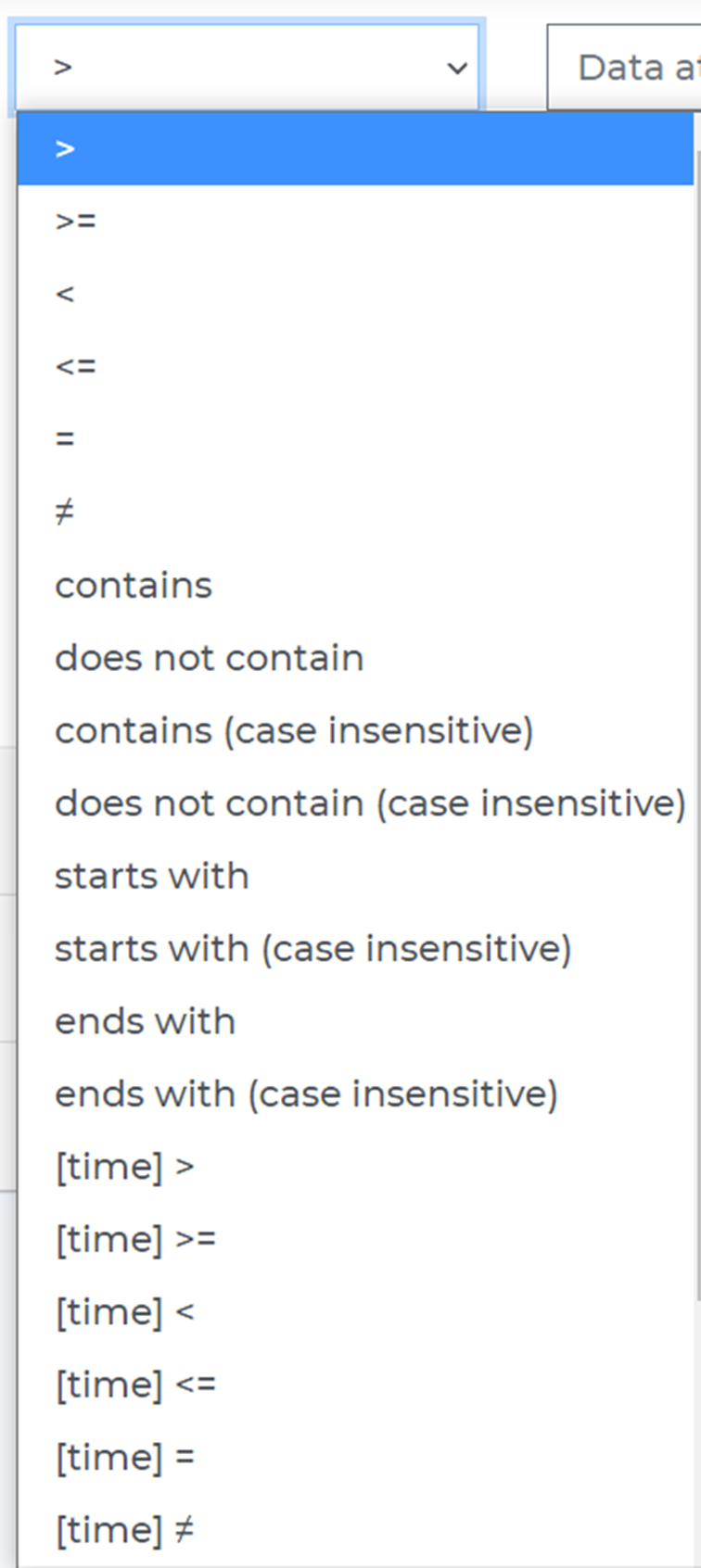
The comparison condition can be selected from the dropdown menu. Available condition operations include:
- Number comparison
- Text comparison
- Date time comparison
- Regular expressions