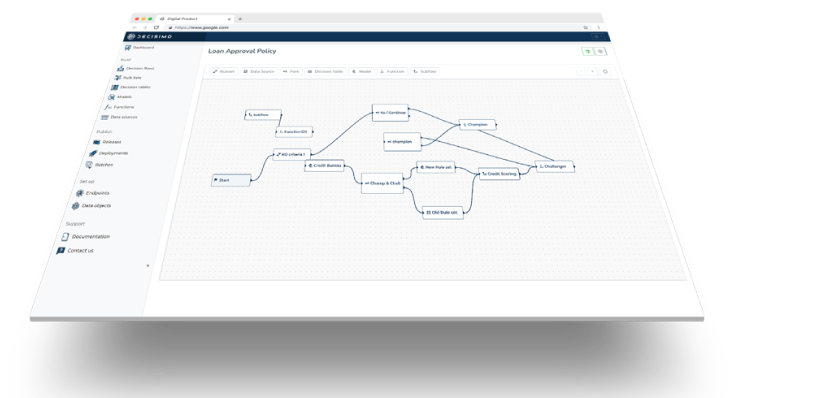
How to integrate Companies House into a decision engine
Published on: 2024-08-10 18:48:28
Companies House in the UK provides an API service that works well for checking the status of UK-registered businesses. This information can support credit scoring for micro-businesses and SMEs when issuing loans.
Get an account API key from Companies House
 Go to Companies House and sign in to your account, or register for one.
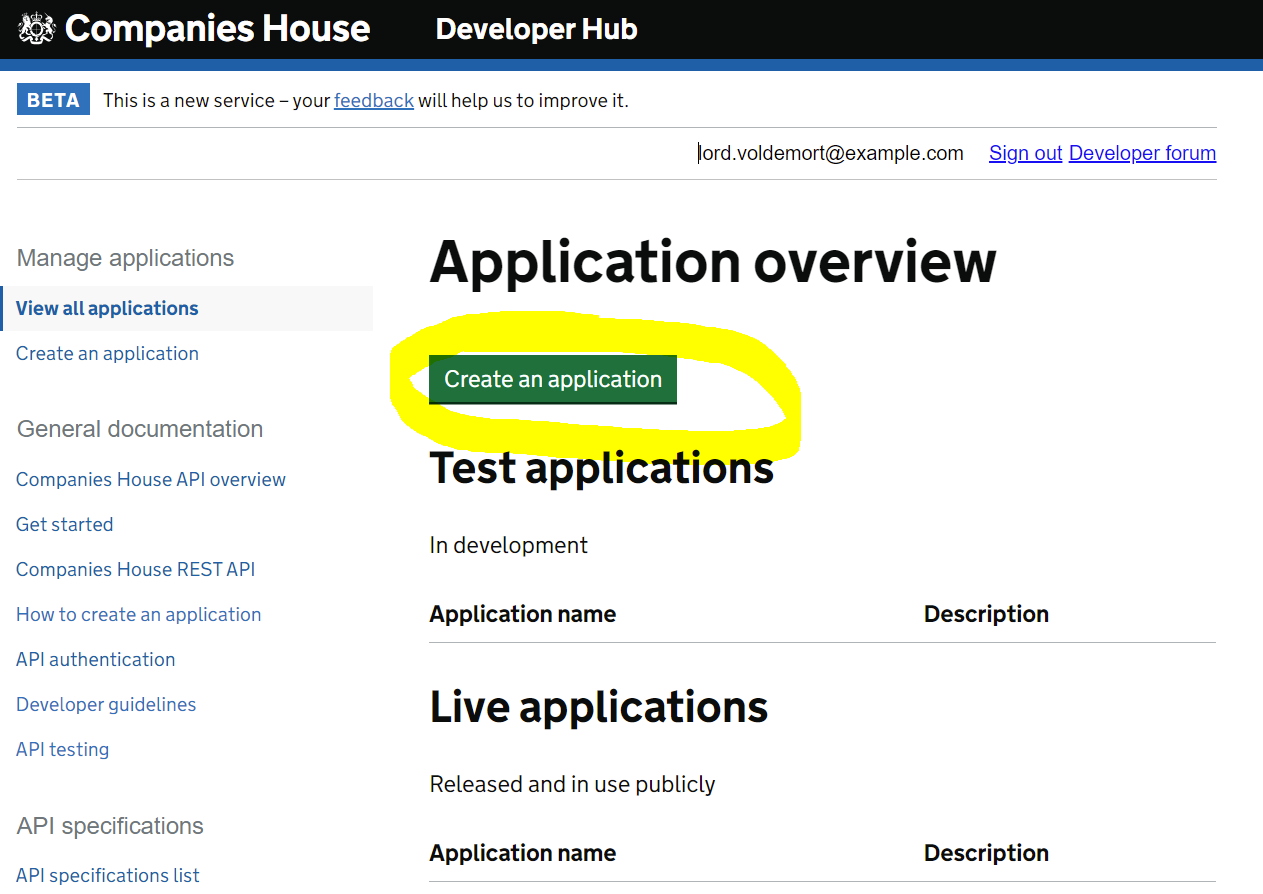
https://find-and-update.company-information.service.gov.uk/- Once your account is ready, go to the Developer Hub. In Application Overview, create an application.
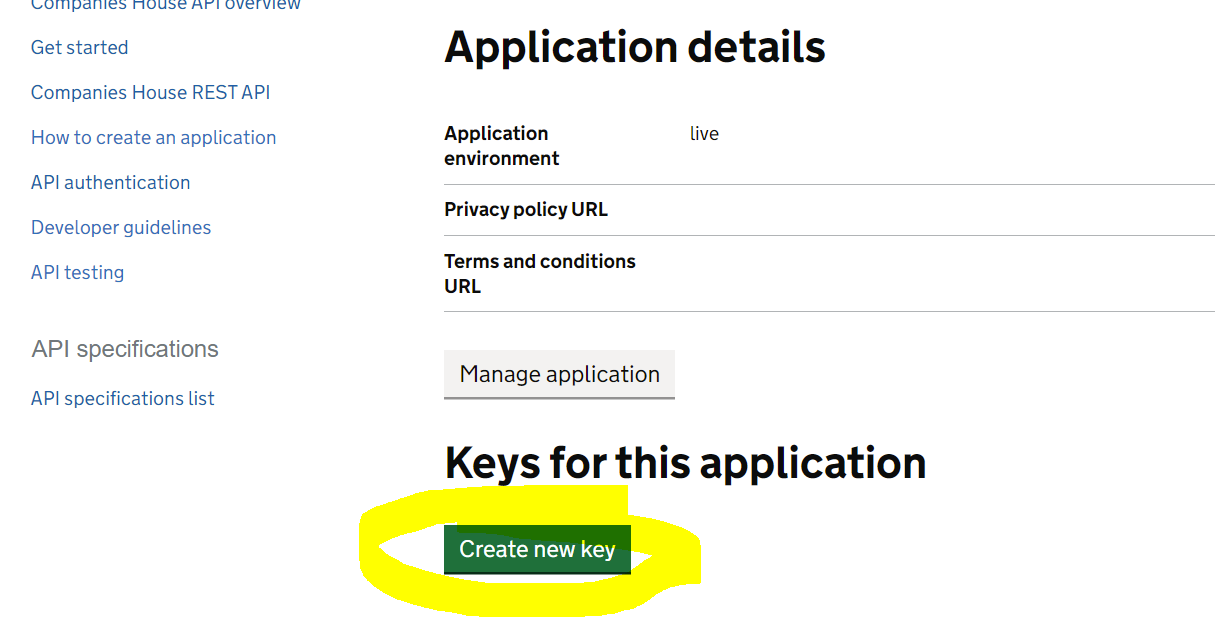
- After you create the application, open it and go to “Keys for this application”. Click Create new key to generate the API key.
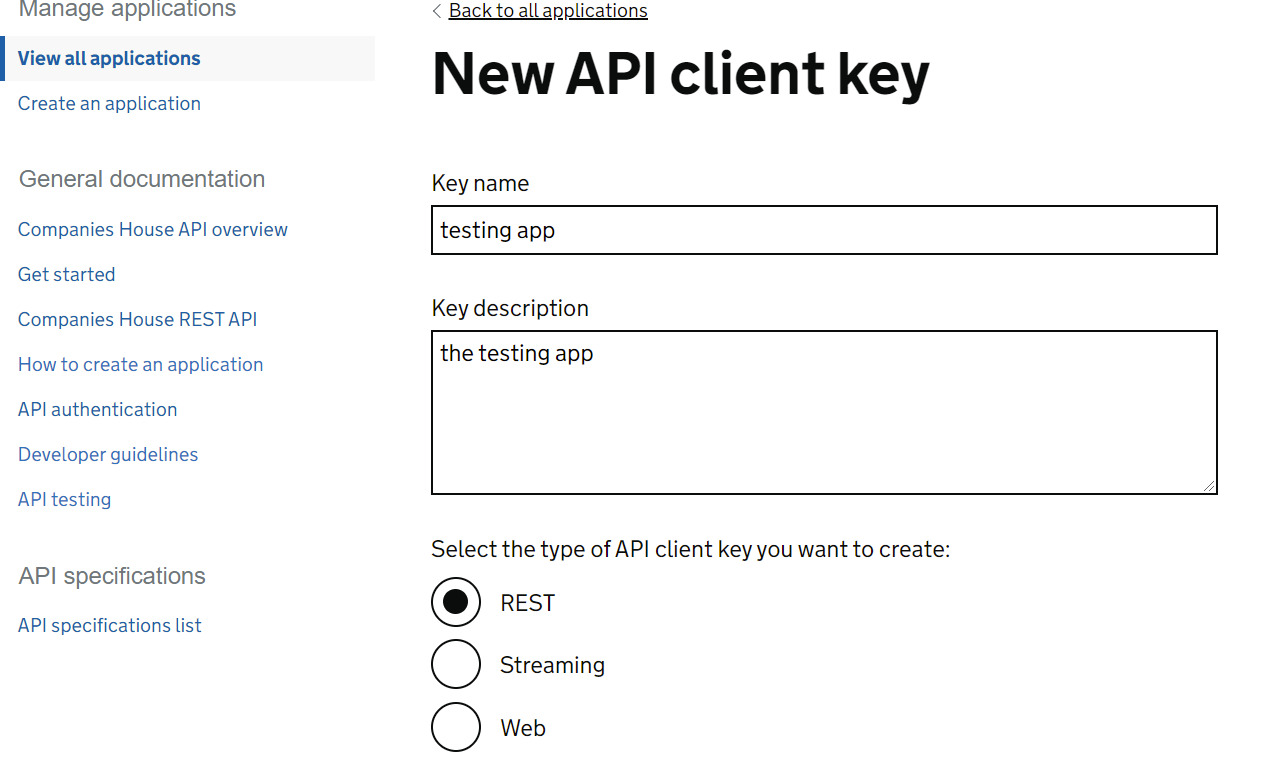
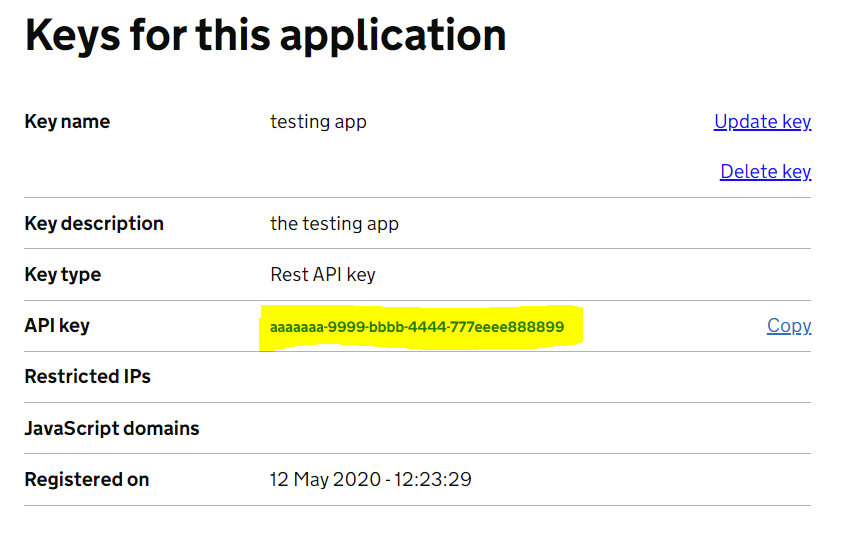
Fill in the Key name and Key description, then select REST. Leave Restricted IPs and JavaScript empty.
- Confirm that the Key Type for the key you created is “REST API Key”. Copy the API key and keep it for setup in the decision engine.
Create a data source in Decisimo Portal
- Open Data sources, click new, and create one from a template.
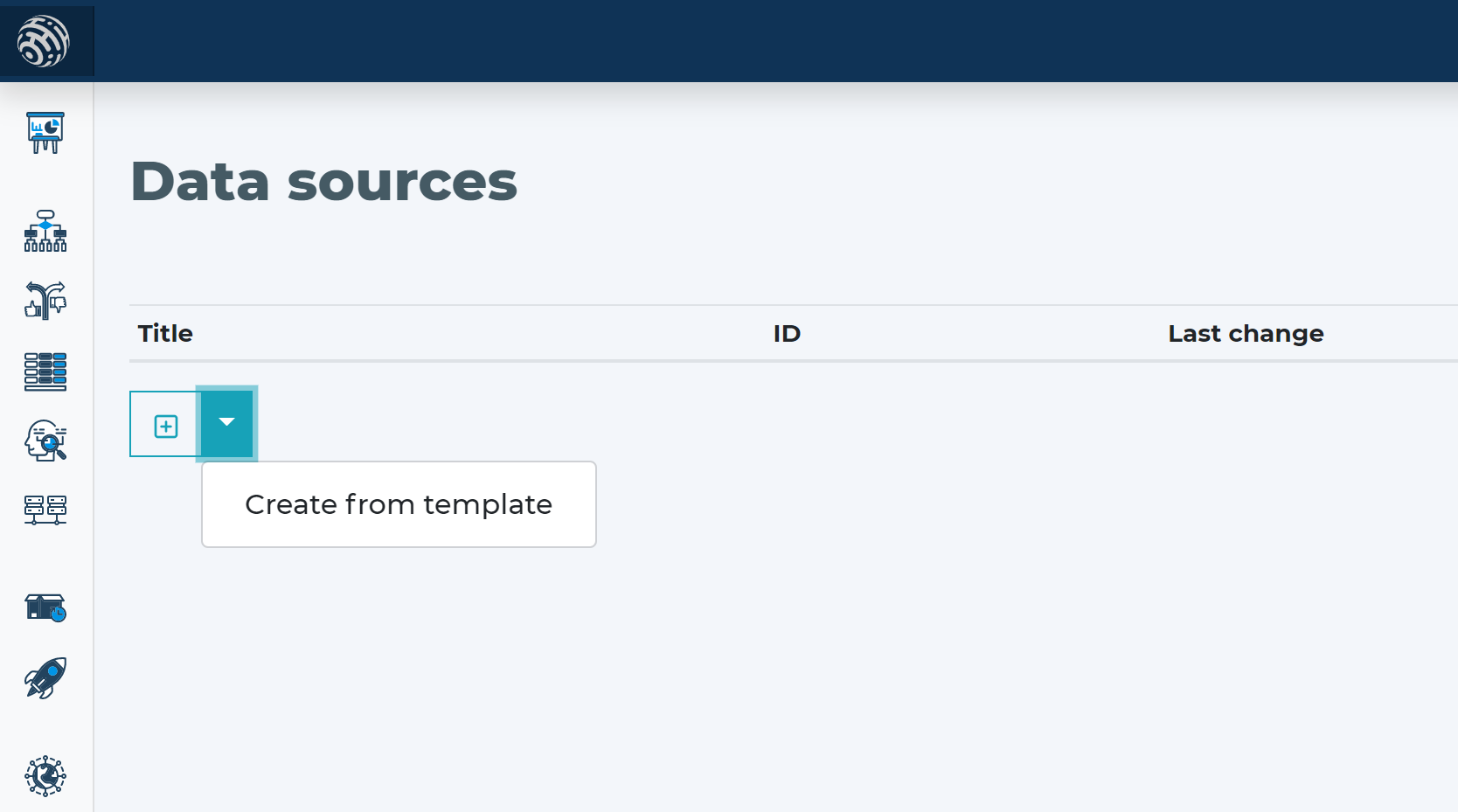
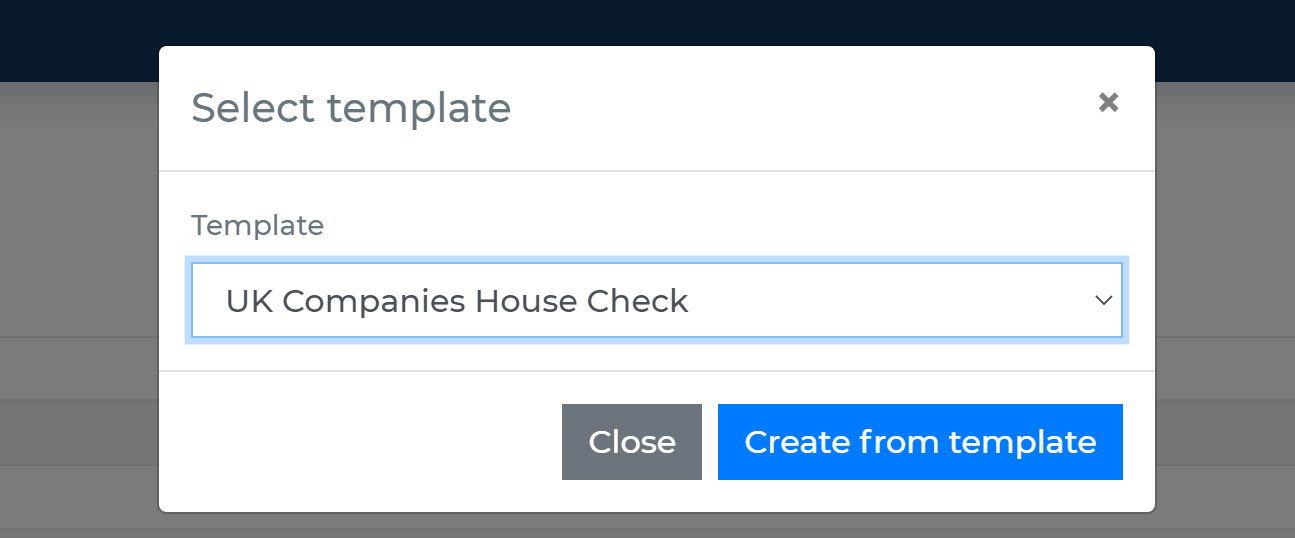
- In the data source definition, switch HTTP Authentication to “YES” and enter the authentication details. Paste the API key from Companies House into “Authentication Username”. Leave HTTP Password empty.
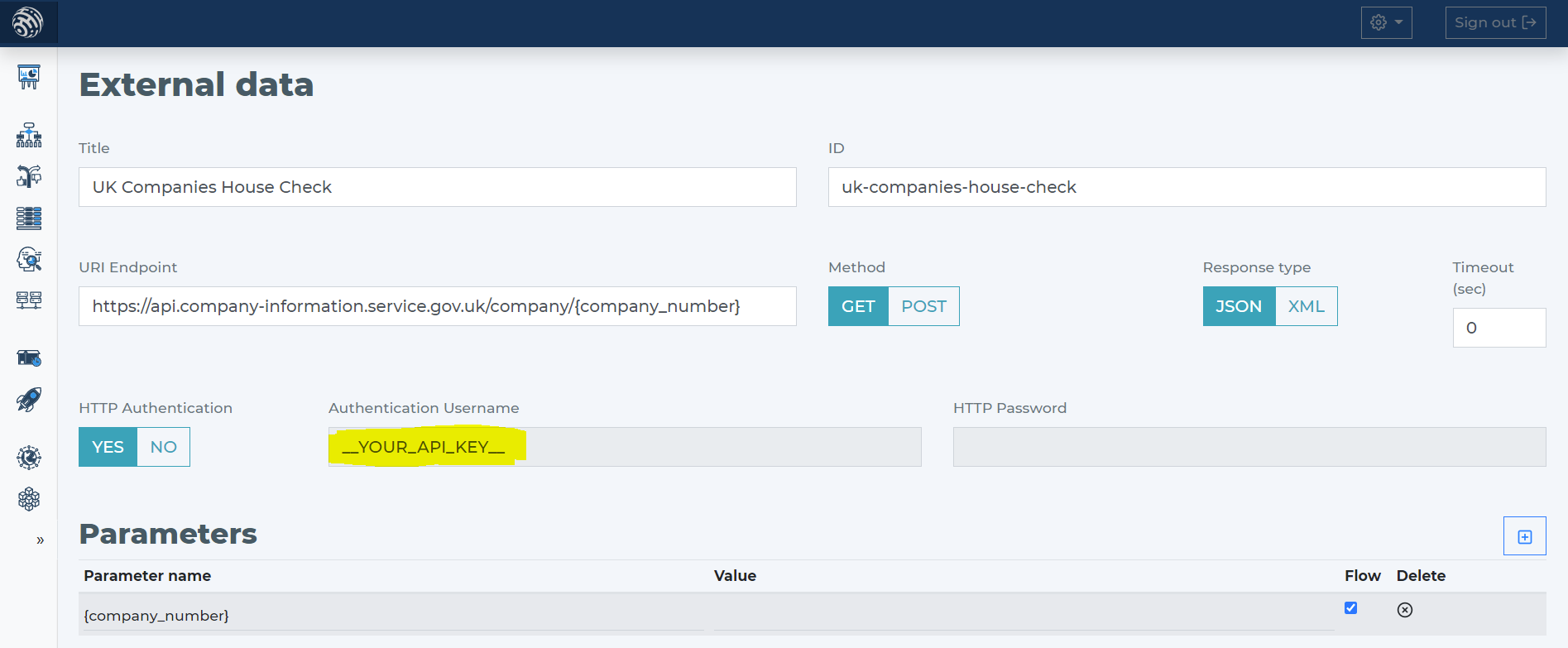
- Companies House requires the company number as an input parameter. If you use the Companies House data source template, that definition is already included.
Add Companies House data source to your decision flow
- If you already have a decision step for data sources, add the Companies House call in that same step. The decision engine calls all sources in the same step in parallel. That keeps execution time low.
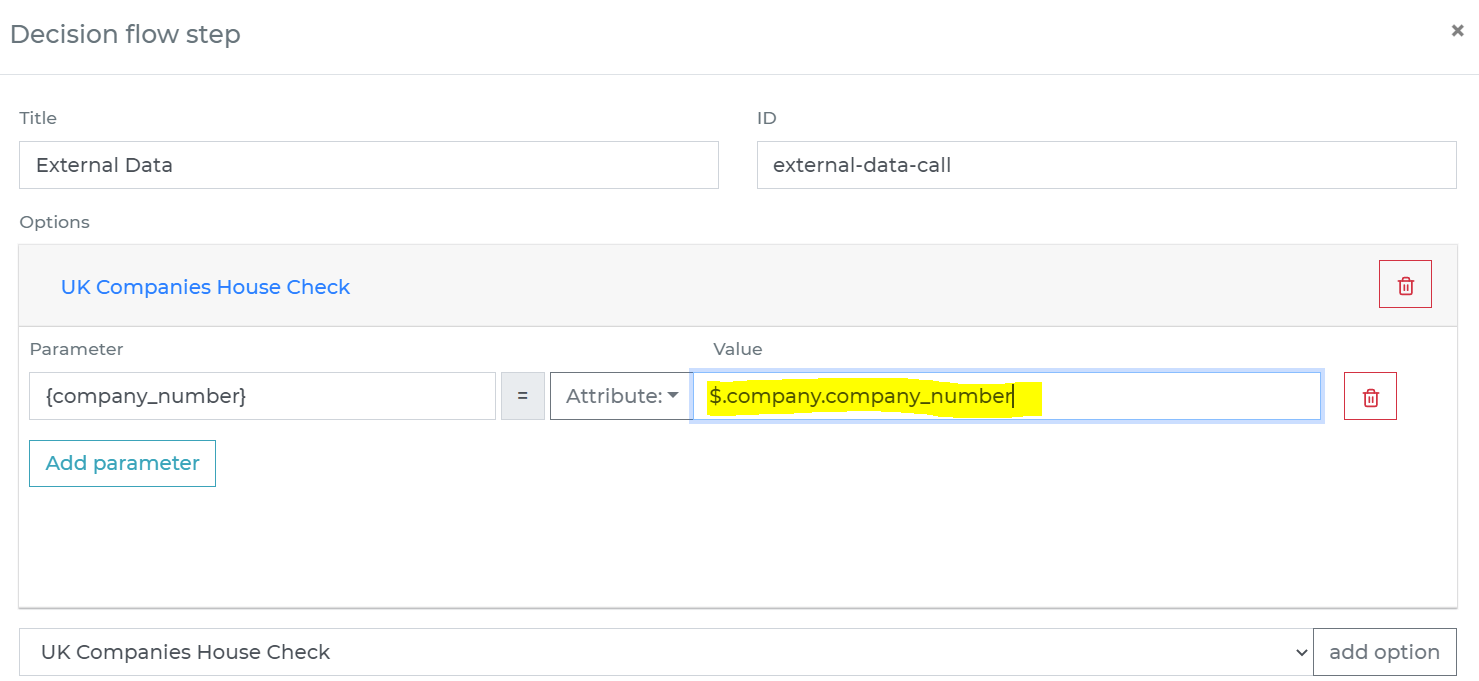
- If you do not yet have a decision flow step for external data, add one. Connect the step, then double-click to open the definition window. In the step, define which attributes from your data object should be sent to the Companies House API.
-
Run the decision making
- Release your decision flow, deploy it to an endpoint, and start making decisions with data from Companies House.